

Content Lock Feature
Collaboration just became more transparent! You can now lock content in CU PolicyPro and RecoveryPro to help prevent conflicting edits and keep reviews on track.
When locking content, you can add a note to let others know why it's locked. This is especially useful when you're actively working on a policy or when content is under review and should not be changed until the review is complete.
Users with editing rights can still unlock the content if necessary. If someone else unlocks a policy you've locked, you'll receive an email notification showing who unlocked it and when.
This added visibility helps teams coordinate changes more effectively, reduce confusion, and stay informed throughout the editing and approval process.
Click the Lock for Editing button.

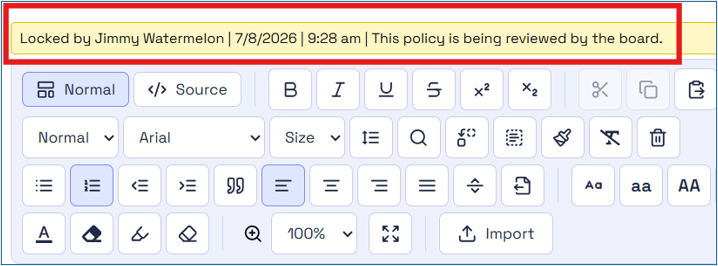
You will have the option to add a note to inform others why the content is locked. This will display directly above the content editor.
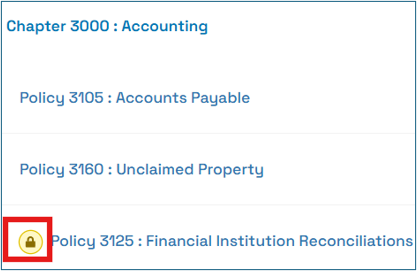
Locked content will have an icon indicator in the content listing.
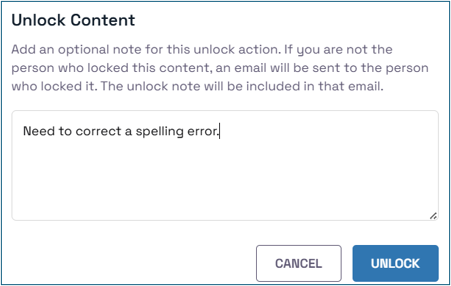
If another user unlocks the content, you will be sent an email notification which includes any comments provided by the unlocking user.
Go to main navigation